From screen to print in seconds
No accounts. No hassle. Just tap your phone, pick your print, and hold your moment in your hands.
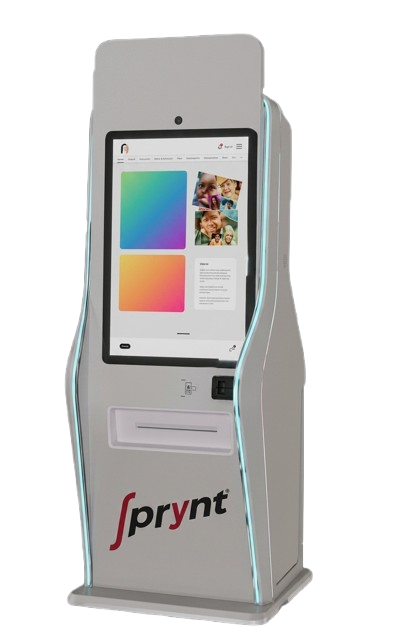
No accounts. No hassle. Just tap your phone, pick your print, and hold your moment in your hands.
No tech skills needed. Just walk up to the kiosk, tap through our intuitive interface, and get your print in a few easy steps — anyone can do it
From photo to print in under 60 seconds. Our kiosks are built for speed — no queues, no waiting, no wasted time. Just instant, high-quality output."
Your photos and payment data stay yours. Every session is encrypted and auto-cleared after use — so nothing is ever stored on the kiosk.
Premium prints without the premium price. Pay only for what you print — no subscriptions, no hidden fees, no surprises.
Because great moments don't wait, neither should your prints. Find a prynt kiosk near you and turn your memories into something you can hold — instantly.
Read more
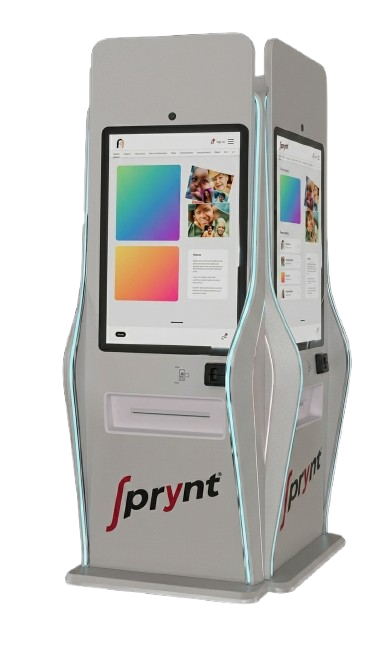
Lorem ipsum dolor sit amet consectetur, adipisicing elit. Obcaecati vel exercitationem eveniet vero maxime ratione
Read moreWalk up to any prynt kiosk and scan the QR code with your phone camera. No app download needed — your session opens instantly in your browser.
Select your photos, choose your print size and finish, then pay securely via UPI in one tap. GPay, PhonePe, Paytm — all accepted, all instant.
Your prints come out in under 60 seconds — crisp, vibrant and ready to frame, gift or keep. Pick them up and you're done. That's it.

I'm Avinash, 18 years old and obsessed with one idea — that technology should make everyday things effortless. Sprynt is my answer to a world where your memories deserve better than a phone screen.
India
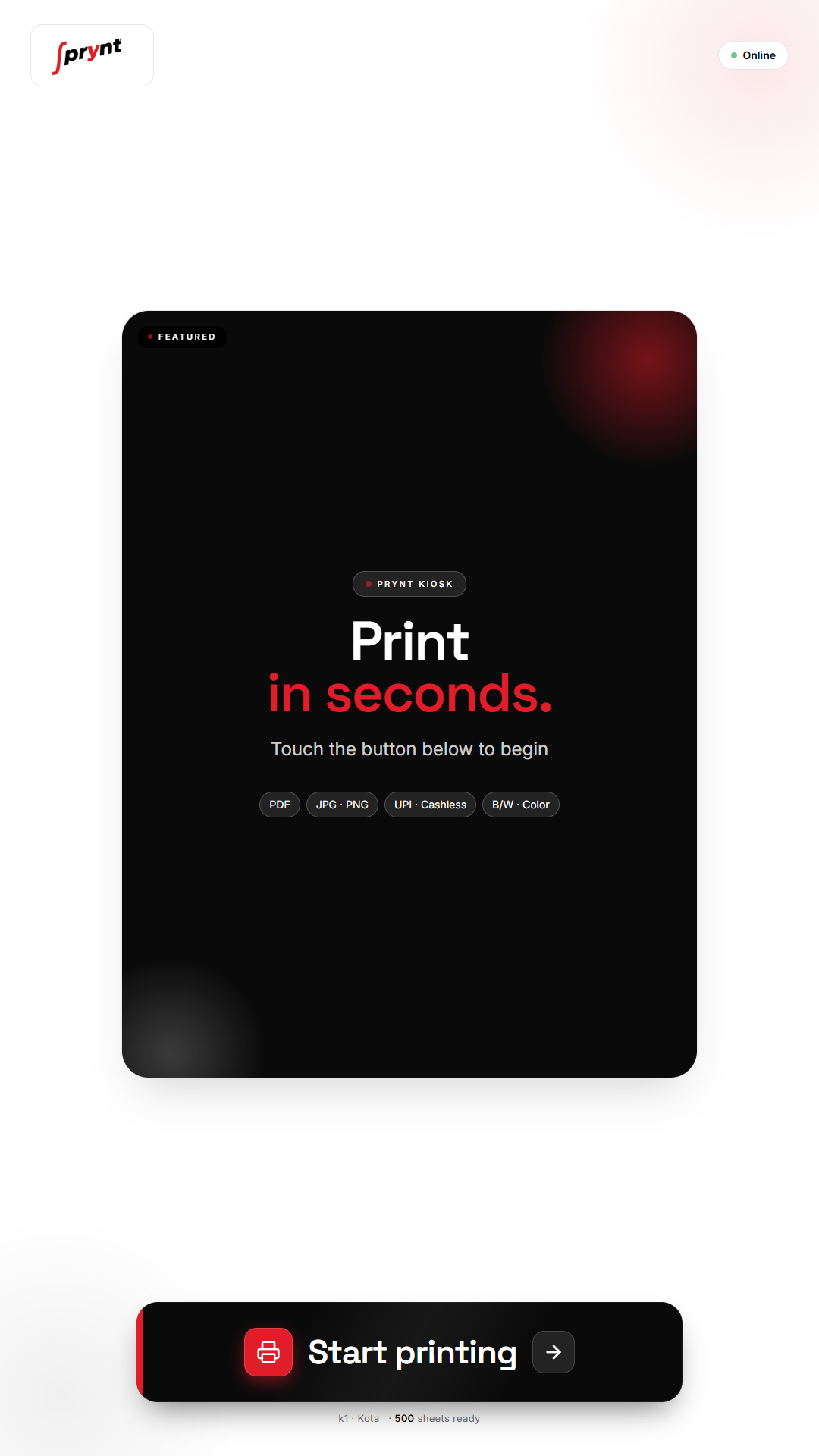
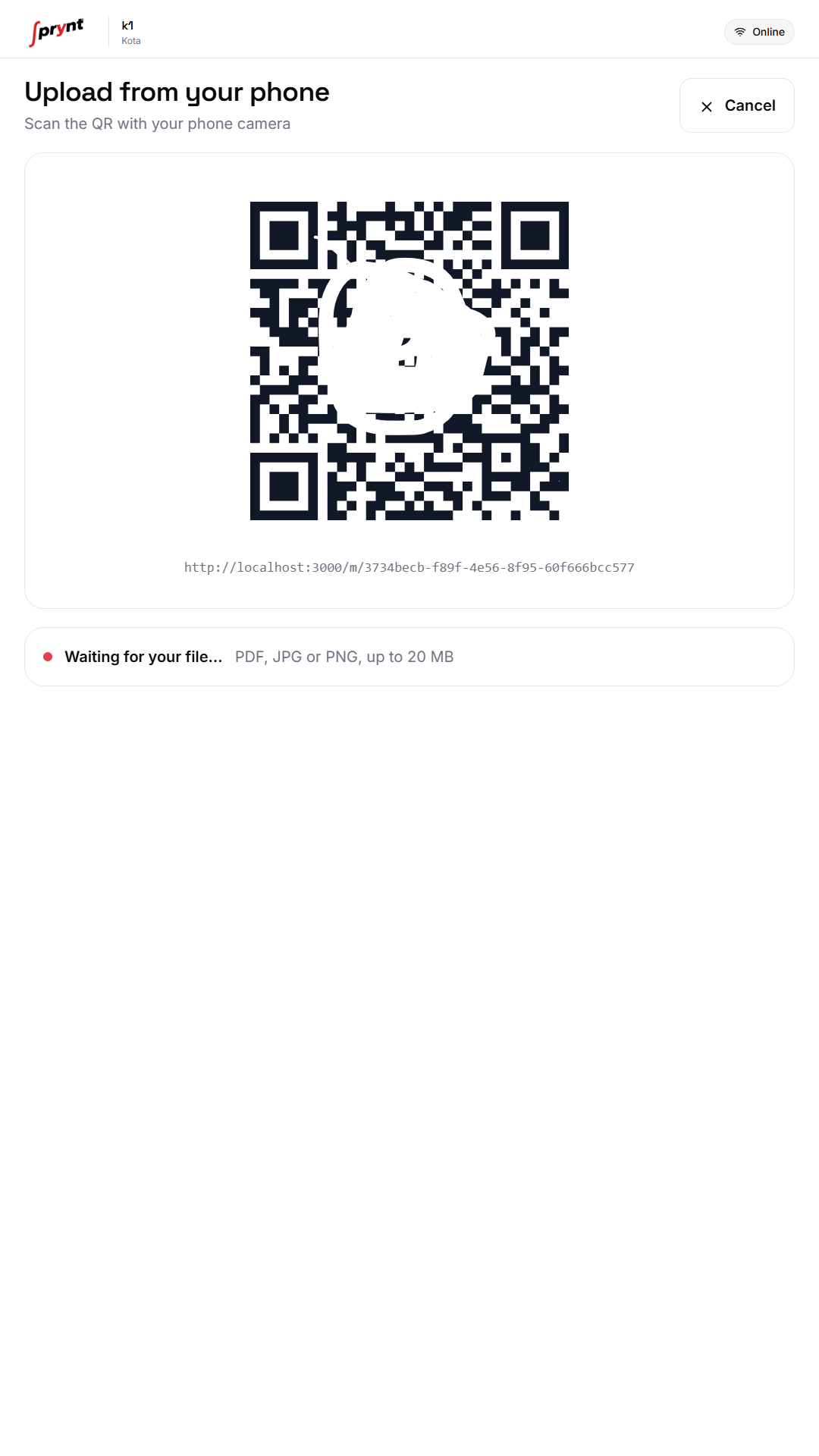
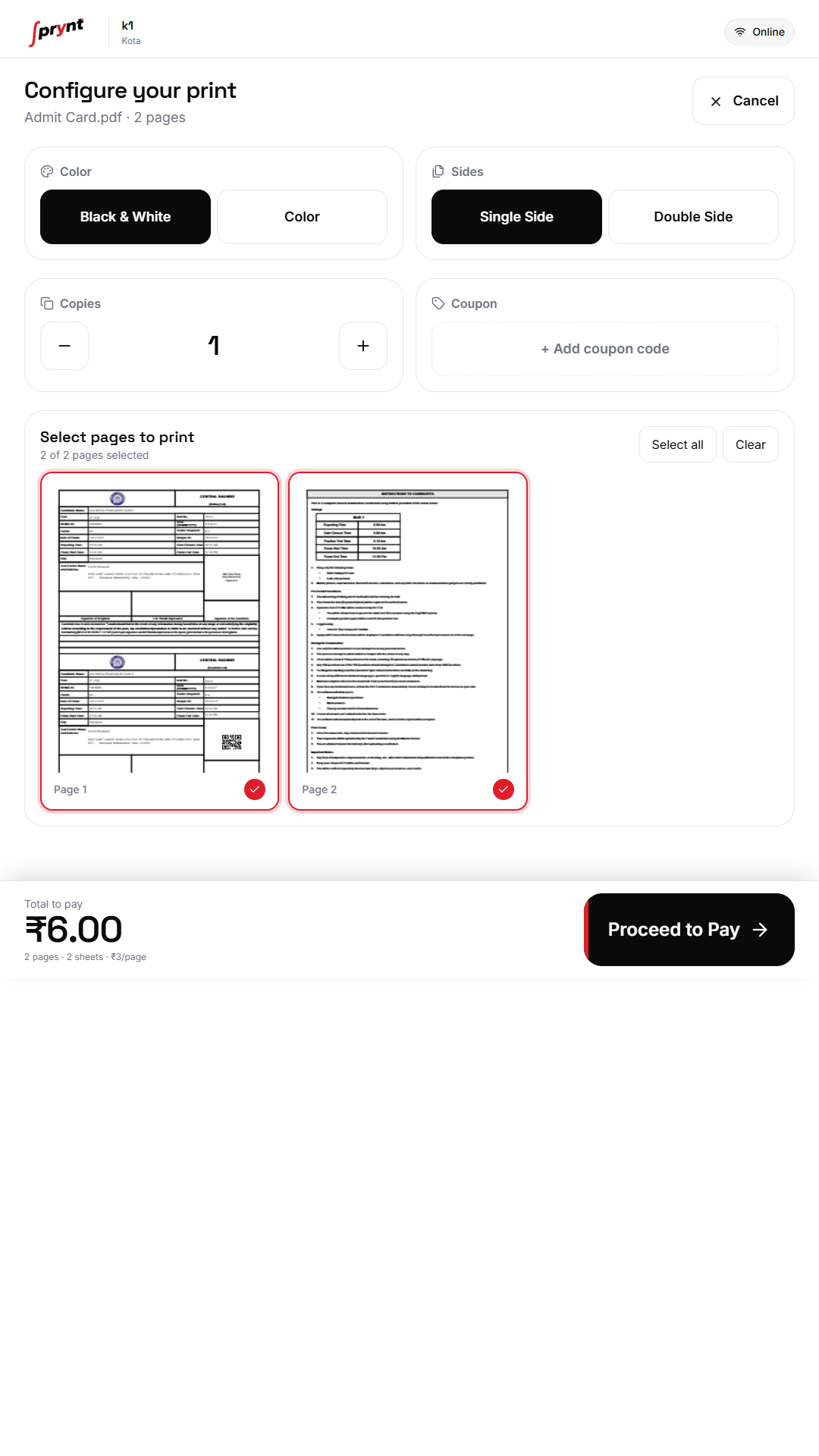
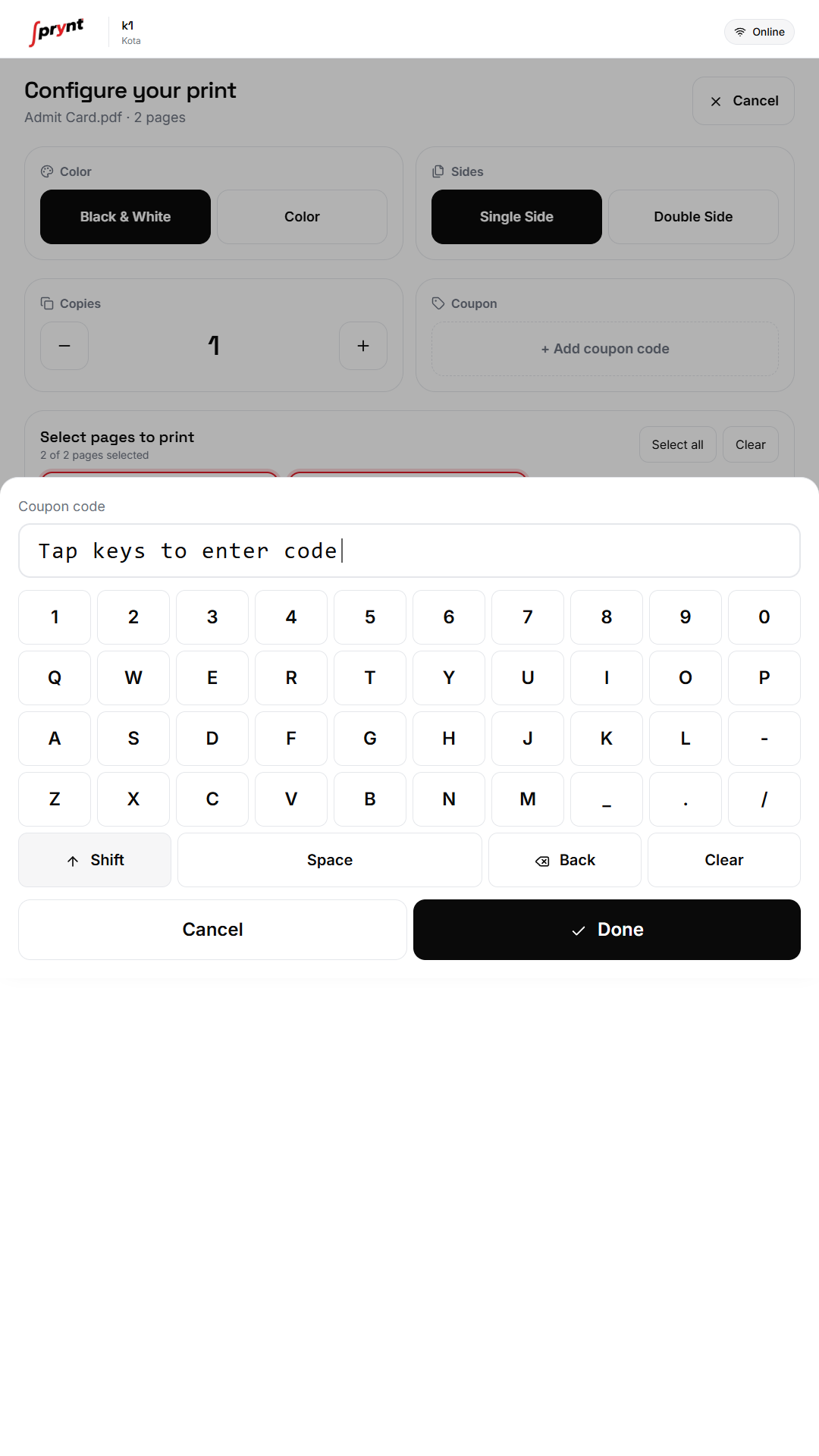
Simply scan the QR code at the kiosk, upload your file or photo, pay via UPI, and collect your print — all in under 60 seconds. No app or account needed.
Don't worry — if your print fails or gets stuck, your payment is automatically refunded to your UPI account within 2–4 Hours. Just tap 'Report an Issue' on the kiosk screen or contact our support.
Absolutely. Every session is fully encrypted and automatically cleared after your print. We never store your files, photos or payment details on the kiosk.
prynt supports PDF, JPG, PNG and Word documents. Simply upload from your phone's gallery or Google Drive directly through the kiosk screen.
Available for all major platforms. Rapidiously visualize optimal ROI rather than enterprise-wide methods of empowerment.
*Use at your own risk , it could save your time!
 App Store
 Google play